
01
Capture
Connect the channels where work enters your business.
- Forms
- Documents
- Attachments
- Web requests
- Existing software
Business Process Automation
Automate the repetitive work that happens between an incoming request and the action your business needs to take.
We build automated intake and processing workflows that read incoming information, extract what matters, apply your business rules, update your existing systems, and send only the exceptions to your team.
Not a chatbot. Not a replacement for your software. An operations layer between incoming information and the systems you already use.
The problem
For many businesses, email and incoming documents are the real starting point for critical operational processes — even though nothing about them is designed for it.
An employee receives:
Then the employee has to:
Much of this process is repetitive. The automation opportunity is not to eliminate human judgment everywhere. It is to automate the routine work and send people the exceptions.
How it works
Five stages, each of which can be inspected, tuned, and audited.
01
Connect the channels where work enters your business.
02
Classify the request and extract the information needed to process it.
03
Apply confidence thresholds, business rules, and routing logic.
04
Update the appropriate system, create the task, route the request, or trigger the next step.
05
Your team uses a centralized review queue for the items that require human judgment.
Human review
The highest-value workflows often combine automation with human oversight. Routine, high-confidence actions can proceed automatically. Ambiguous, incomplete, or unusual requests can be routed to a review queue.
Operations Queue
Review, approve, and manage the work automation cannot confidently complete.
Automation processes the incoming item
Routine case
Completed automatically and written to your systems
Exception
Sent to human review with the context already assembled
Nothing uncertain is guessed at. Your team only sees what needs a decision.
Illustrative pattern. The thresholds and routing rules are agreed with you during the build.
The interface above is a conceptual demonstration of a future client implementation. It is not a live system, a client dashboard, or a case study.
Inputs and outcomes
Incoming emails are classified, routed, and converted into business actions.
Information from documents is extracted and routed into the appropriate workflow.
Form submissions automatically trigger the next operational process.
Customer or internal requests are converted into structured tasks and assigned appropriately.
Information is automatically moved into the CRM, accounting platform, ERP, project management system, or internal database.
Only uncertain or unusual cases are routed to a person for review.
Architecture
Nothing is ripped out. The automation layer sits between the information arriving and the software your team already works in.
Email, CRM, accounting, ERP, project management, forms, spreadsheets, custom software.
Triggers, business rules, integrations, transformations, and workflow orchestration. Implementations may use APIs, workflow automation platforms, server-side functions, databases, and AI services where appropriate — chosen per project, not fixed to one vendor.
Custom dashboards, review queues, approvals, search, and reporting built around your workflow.
People remain responsible for exceptions, approvals, and decisions that require judgment.
Common automation opportunities we evaluate
Incoming
RFIs, project emails, invoices, change requests
Potential workflow
Classify → extract project information → route → update project systems → flag exceptions
Incoming
Maintenance requests, tenant emails, applications, vendor invoices
Potential workflow
Classify → identify property/unit → route → create task → notify team
Incoming
Purchase orders, order requests, shipping documents, inventory questions
Potential workflow
Extract → validate → update order system → route exceptions
Incoming
Client requests, new engagements, documents, service inquiries
Potential workflow
Classify → update CRM → create task → trigger follow-up
Incoming
Shipment requests, documents, delivery updates, operational exceptions
Potential workflow
Extract → match shipment/order → update operational systems → escalate exceptions
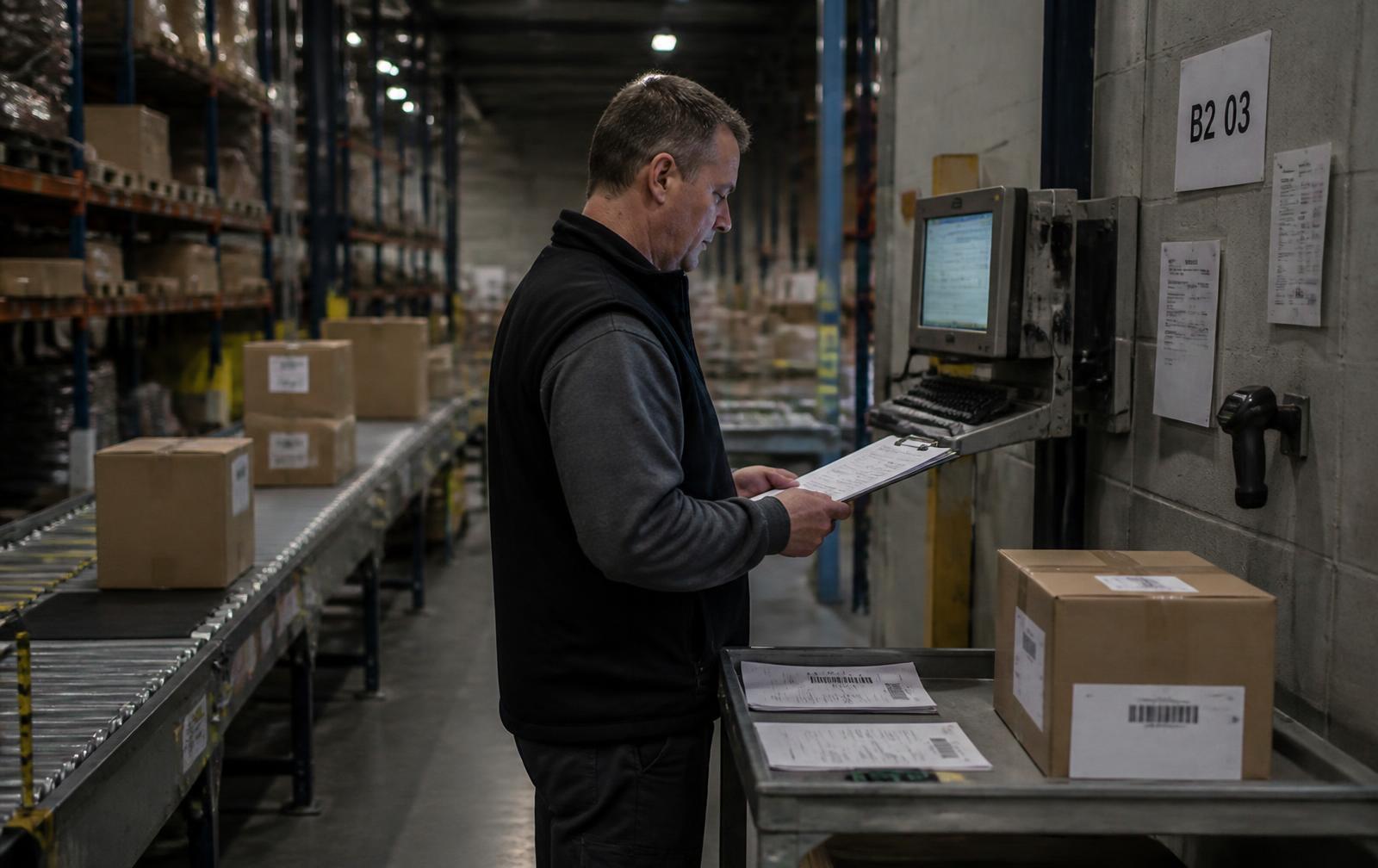
Before the inbox
Most of this work still arrives on paper and in email.
The queue does not replace the way work arrives. It captures it, reads it, and puts it in one place your team can act on.
Implementation paths
Every engagement begins by documenting the current process and estimating what it costs.
Single workflow automation
Starting at $2,500+
Automate one clearly defined intake process from incoming request to completed action.
Connected operations workflow
$5,000–$10,000+
Connect multiple systems and automate an end-to-end operational workflow.
For multiple departments, systems, or workflows
Custom
For companies with multiple departments, systems, or operational workflows running in parallel.
Where the value is
The biggest automation opportunities are often not inside one application. They happen when information moves from one system, person, or department to another.
Before
After
The actual automation potential depends on the workflow, data quality, existing systems, business rules, and required human judgment. We estimate it with you before proposing a build.
Tell us what enters your business, where the information has to go, and what your team does manually in between.